
A rangefinder that changes how you relocate animals
By Seth Brown – Resilient Hunter
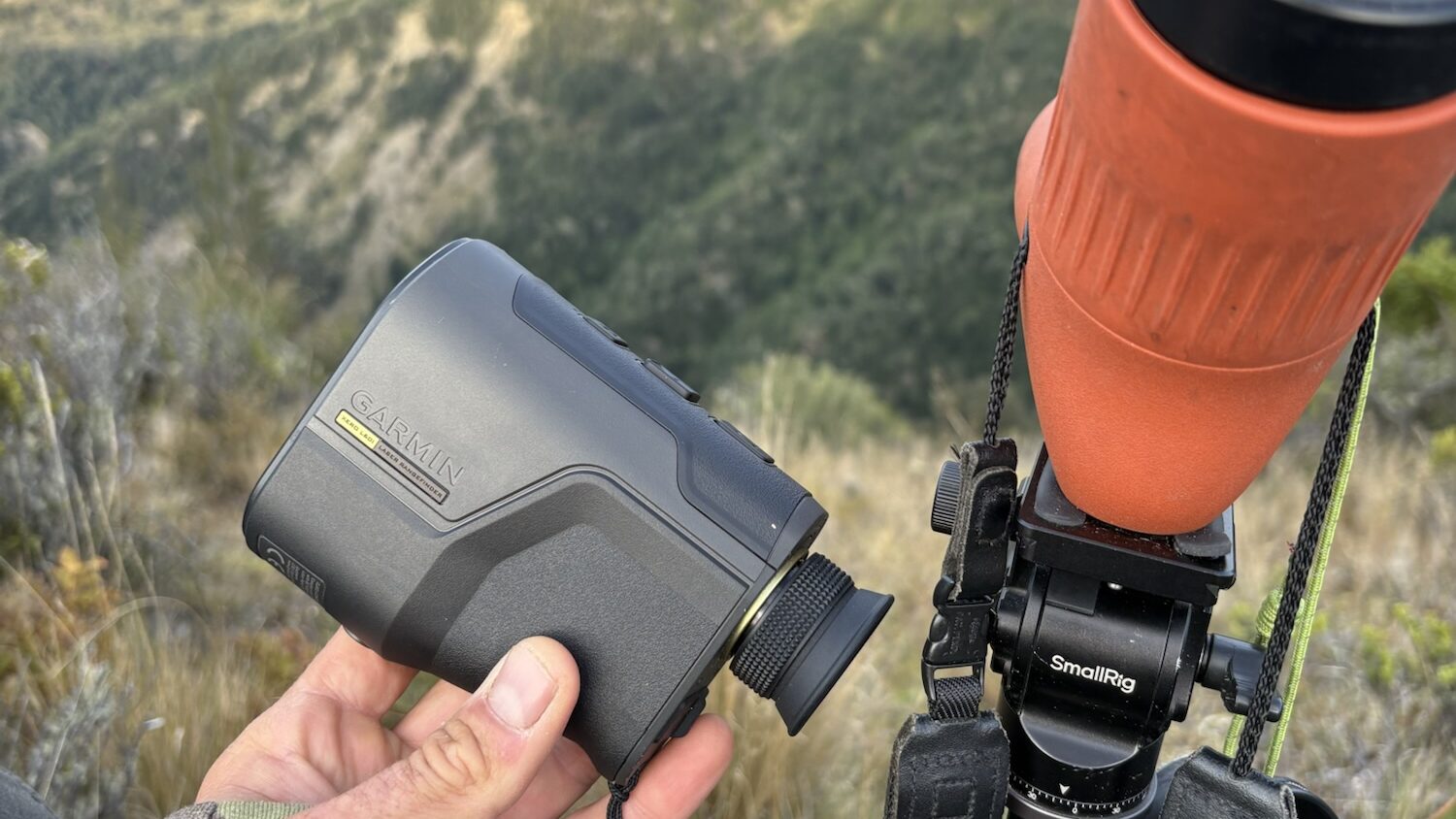
There’s a tendency to treat rangefinders as incremental improvements—slightly better glass, slightly stronger lasers, slightly cleaner displays. The Garmin Xero LRF L60i sits outside that pattern. It’s not just a rangefinder. It’s a system that links observation, ballistics, and navigation into a single workflow.
After using it in typical Canterbury alpine terrain, the value became clear quickly—not in any one feature, but in how those features interact.
Optical Performance and Target Identification
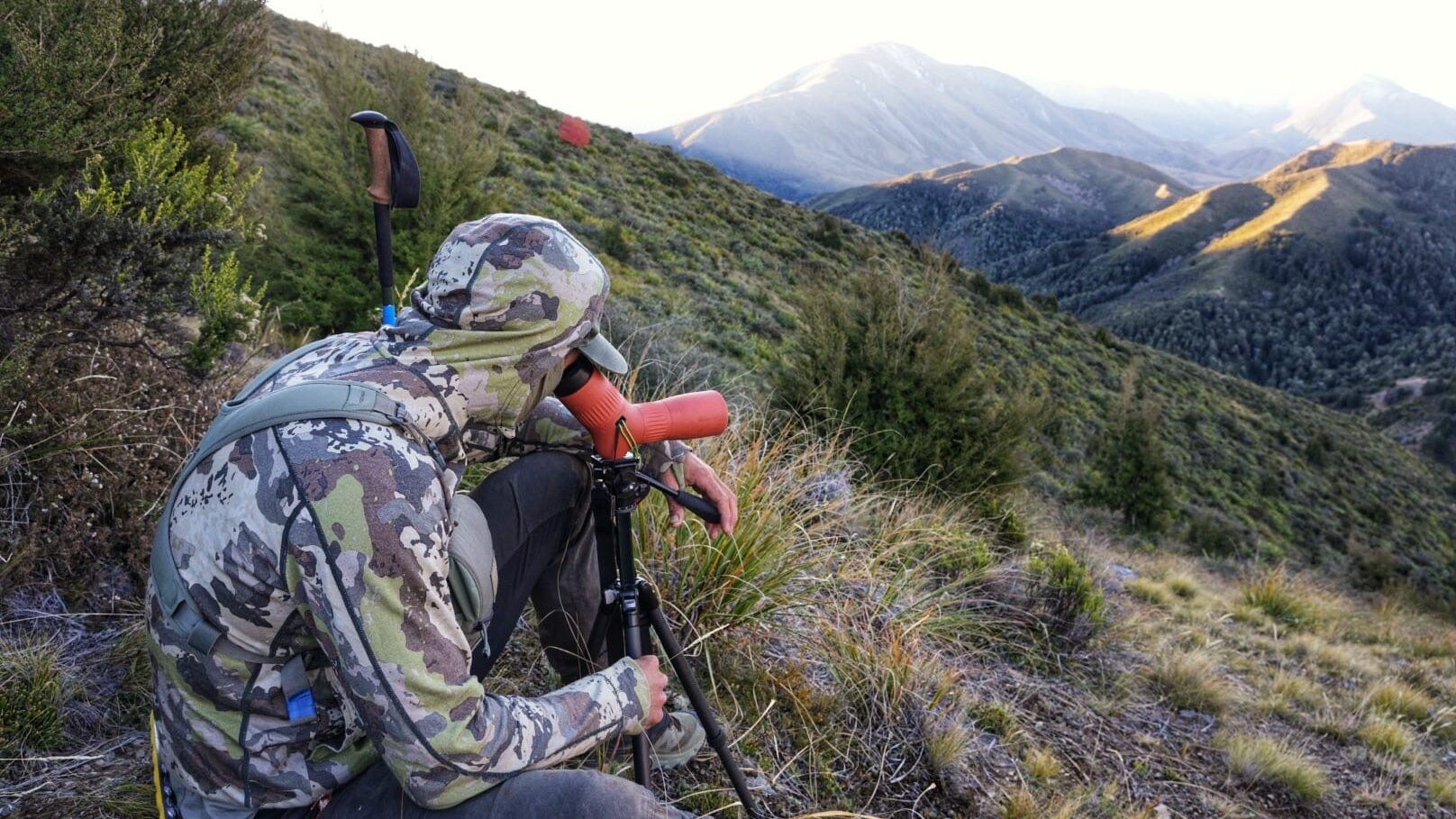
The L60i runs a 6x optical magnification monocular.
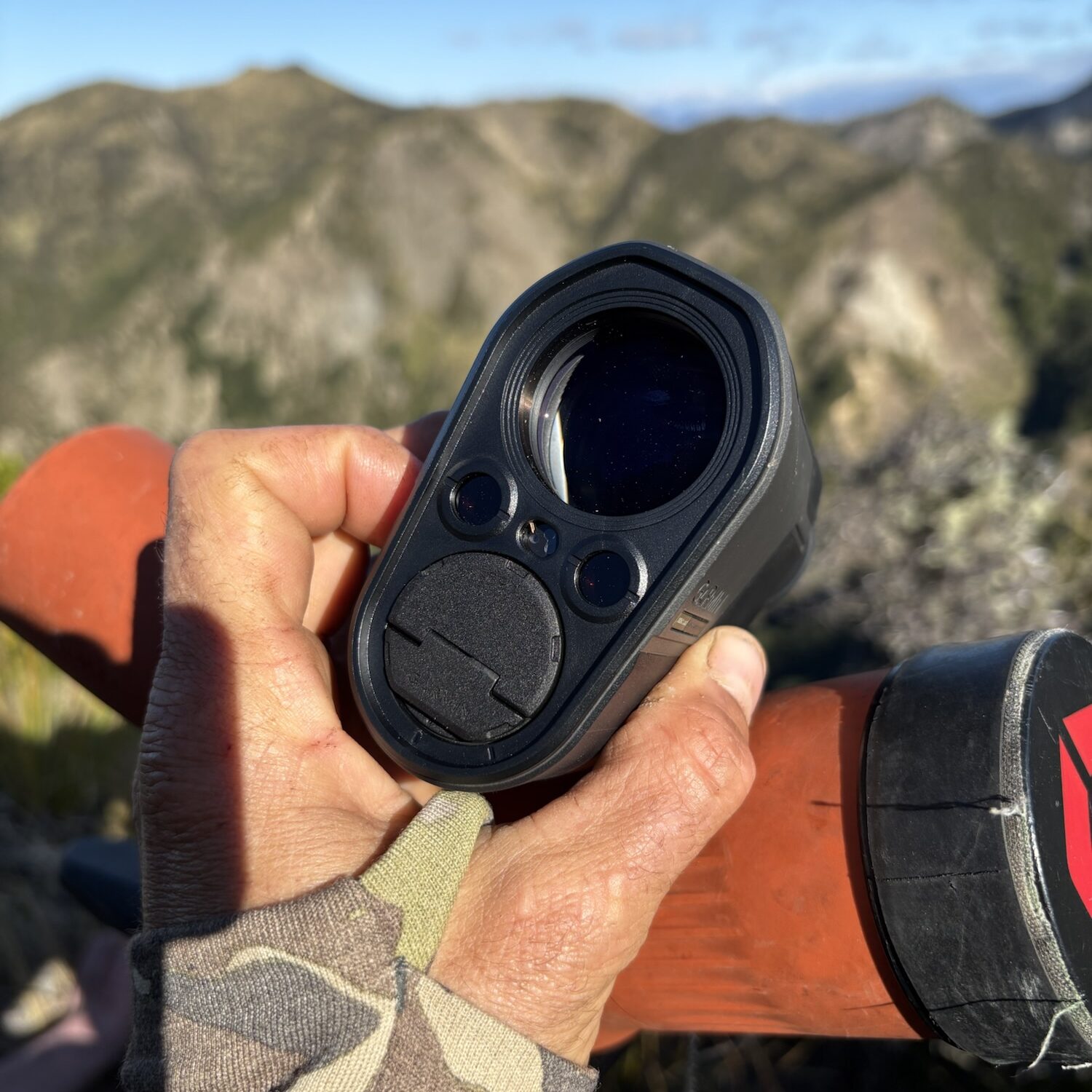
It’s important to frame this correctly—it is not a replacement for binoculars like the Revic BLR-10b. It’s not designed for prolonged glassing. But within its role, the glass is entirely usable.
At distance, I was able to:
- Detect animals beyond a kilometre
- Maintain visual awareness of movement
- Confidently range targets without transitioning to another device
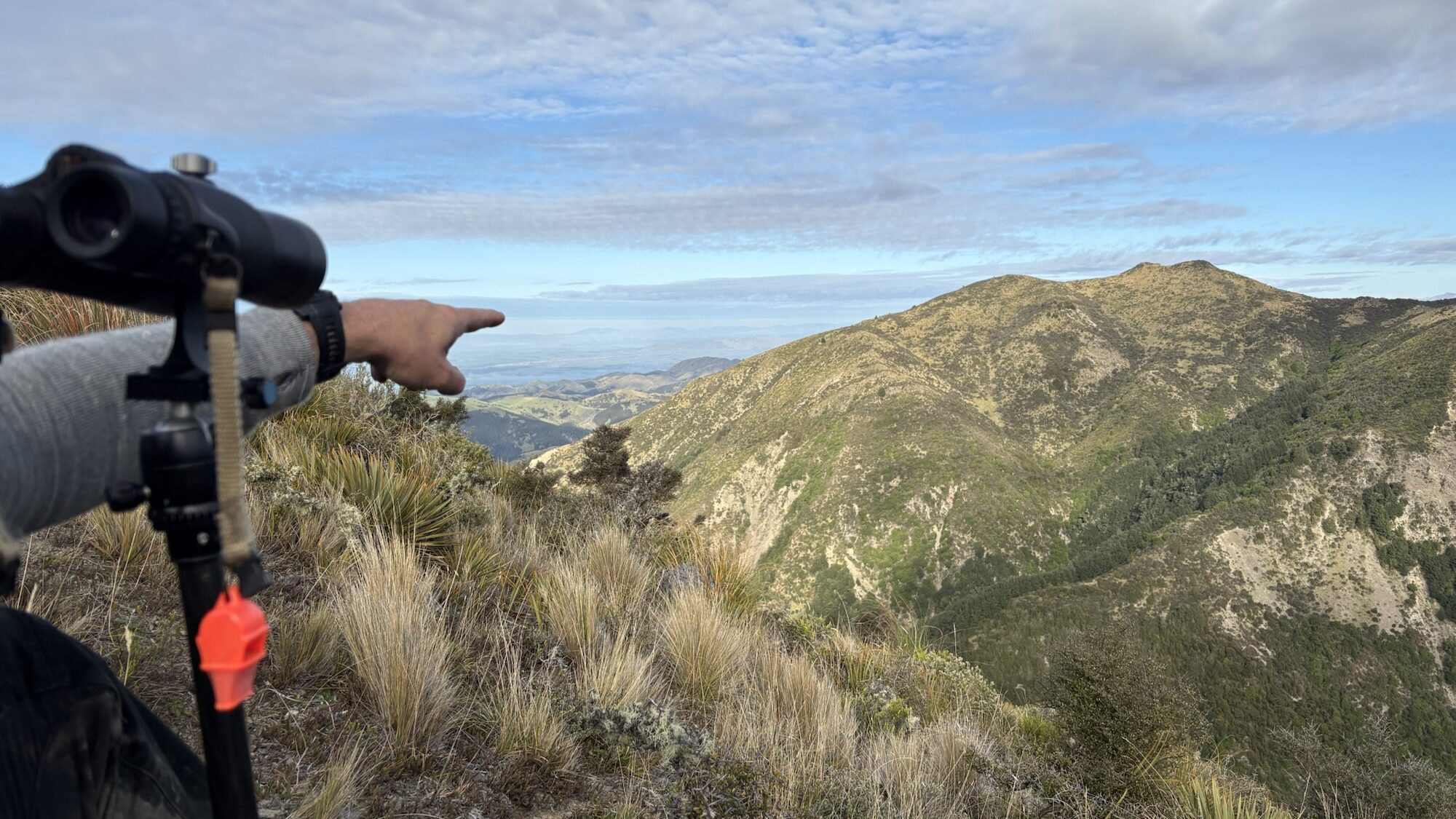
At ~1100 metres, I could clearly identify a stag-sized animal and work the problem from there. Not a positive ID in terms of antlers—but enough to confirm presence and build a plan.
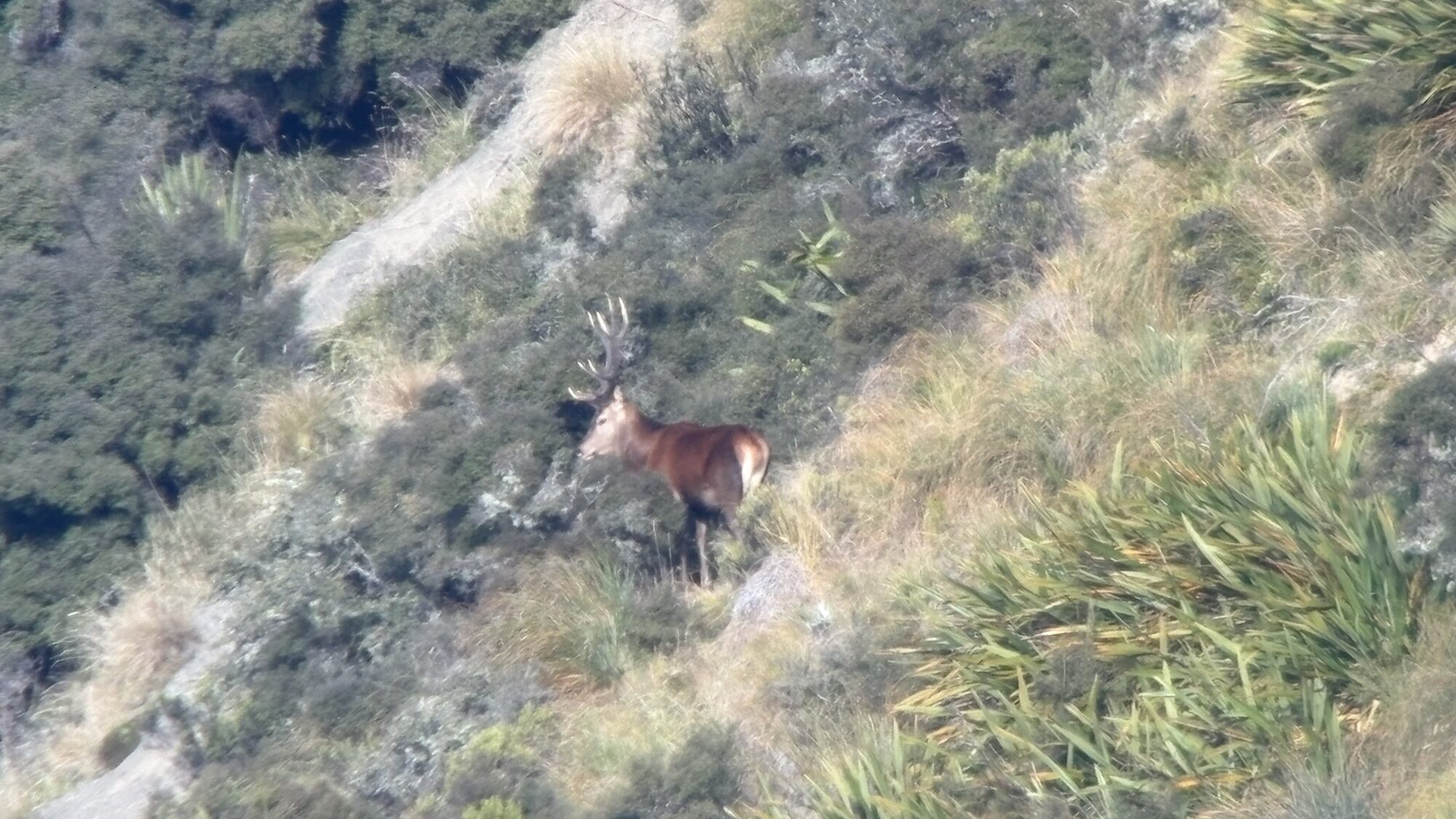
The aforementioned stag at over 1100 metres through the swarovski ATC spotting scope.
This is a tool for confirmation and interaction, not detailed evaluation.
Laser Performance — Spec vs Field Use
Garmin’s published specification for the L60i lists:
- Reflective targets: up to ~6000 metres
- Trees: approximately 2500 metres
- Deer-sized game: approximately 1600 metres
In the field, my observations were:
- Reliable handheld returns to ~1400 metres
- Fast acquisition
- Consistent, unambiguous readings
This aligns closely with Garmin’s deer-sized target specification. In practical terms, once you account for instability, terrain, and imperfect targets, the real-world performance is exactly where it should be.
A tripod-mounted setup would likely extend this further, particularly on defined or reflective targets.
Applied Ballistics Integration
The onboard Applied Ballistics solver effectively replicates the functionality of a Kestrel 5700 Elite.
Setup is straightforward:
- Select projectile from the library
- Input muzzle velocity
I replicated my 6.5-284 Norma (Forbes 24b) profile in under a minute. Elevation outputs matched my Kestrel.
Wind input uses a vector system:
- Clock direction
- Wind speed input
The L60i supports Bluetooth, but integration is within Garmin’s ecosystem—primarily via the Garmin Explore app—rather than direct pairing with a Kestrel.
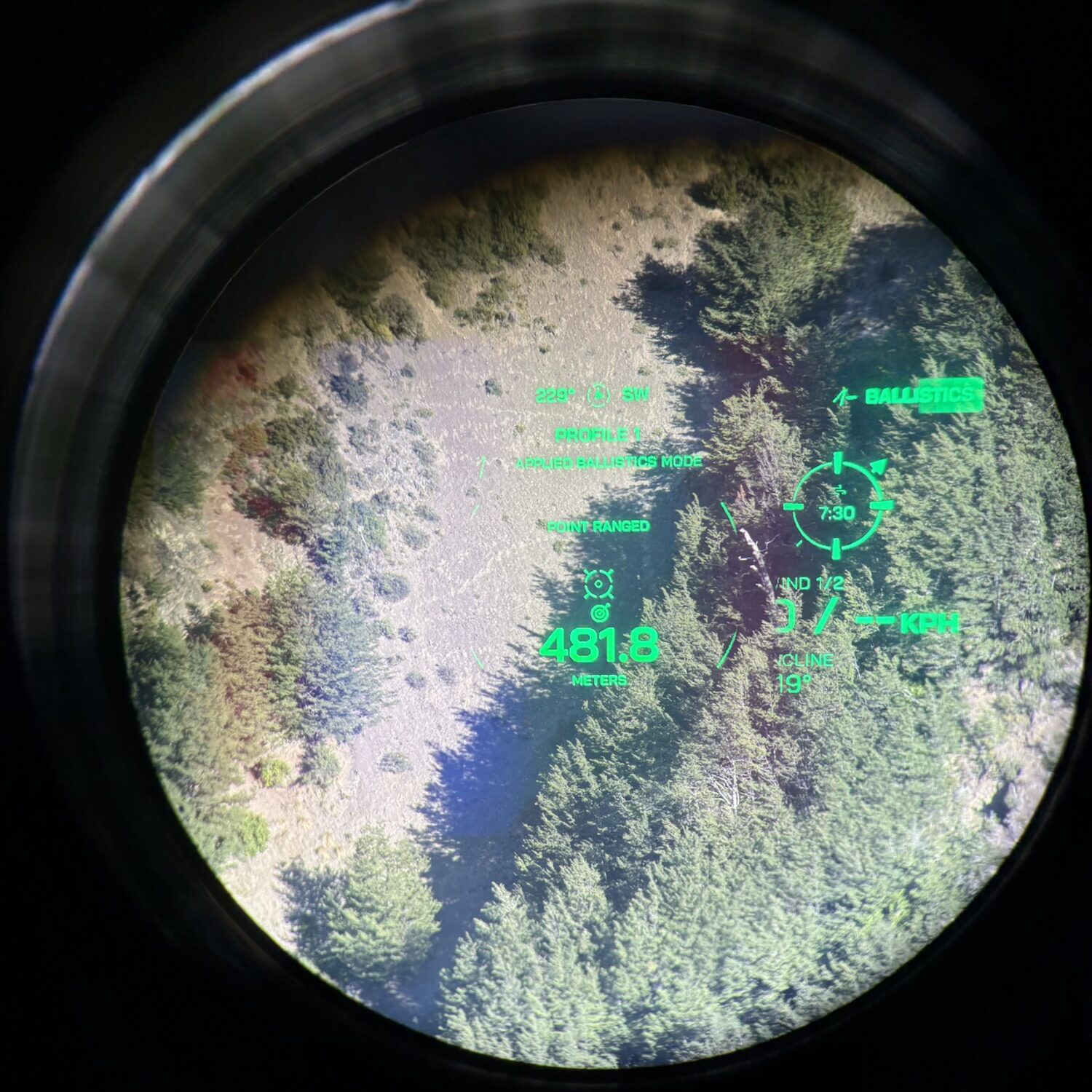
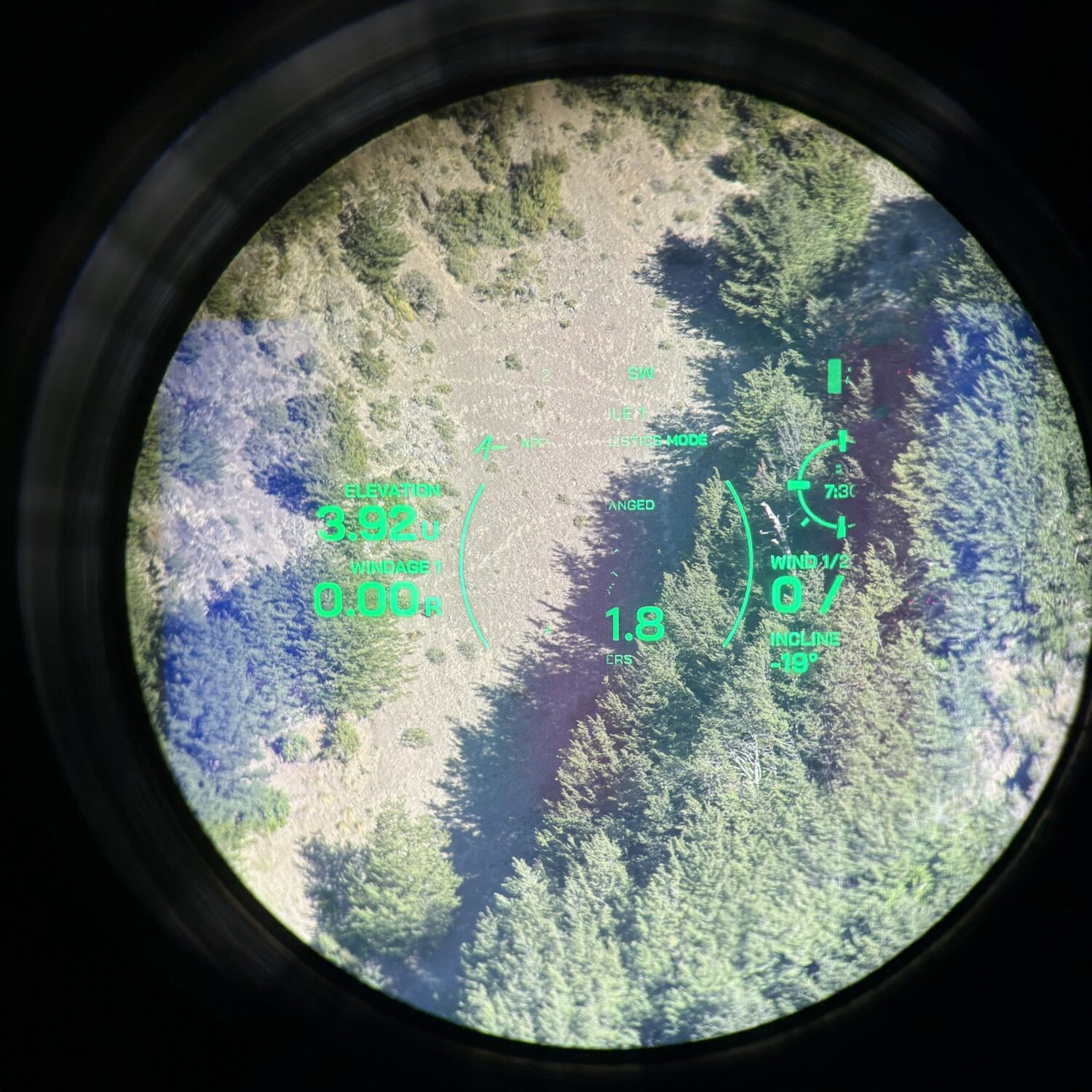
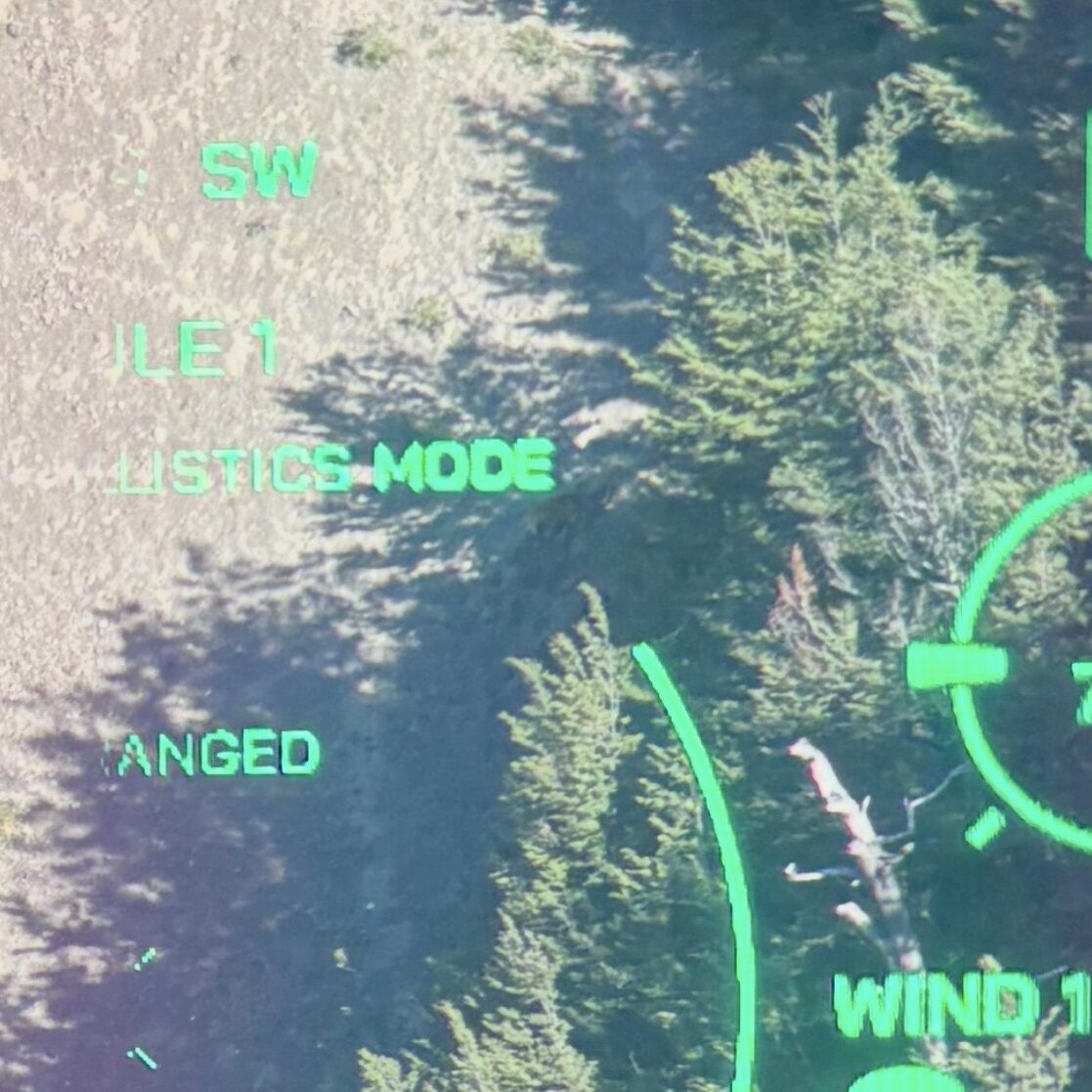
The Heads up Display (HUD), showing the ballistic solution output.
Elevation and wind hold are shown on the left, and the vector wind input is on the right hand side of the reticle.
Limitations of Applied Ballistics Ultralite
The L60i ships with Applied Ballistics Ultralite (AB Lite), not the full Applied Ballistics Elite engine.
This distinction matters.
AB Lite is designed as a simplified solver, and one of the key limitations—depending on firmware and configuration—is that it typically only provides ballistic solutions out to approximately 800 metres.
Beyond that distance:
- The unit may not return a firing solution
- Or may require an upgrade (if supported) to access extended range capability
In practical terms, this creates a mismatch:
- The laser is capable of ranging well beyond 1000 metres
- But the ballistic solution may be capped significantly shorter
For most New Zealand hunting scenarios, this may not be a major limitation. Realistically, the majority of ethical shots fall well inside that 800m envelope.
However, for:
- Extended range shooting
- Load validation beyond typical hunting distances
- Users accustomed to full AB capability (as seen in a Kestrel Elite)
This is a constraint worth being aware of.
It’s also worth noting that AB Lite:
- Uses simplified drag models compared to Elite
- Does not support custom drag curves (CDMs)
- Has reduced environmental modelling capability
None of this prevented it from matching my Kestrel at practical hunting distances—but it does define the ceiling of the system.
Mapping and Target Plotting — The Real Advantage
This is where the L60i separates itself.
The system allows you to:
- Range a point
- Plot it instantly as a waypoint
- Mark your own location
- Sync everything to your phone
The “Go To” function then allows you to:
- Select that waypoint
- Be guided directly back onto it through the display
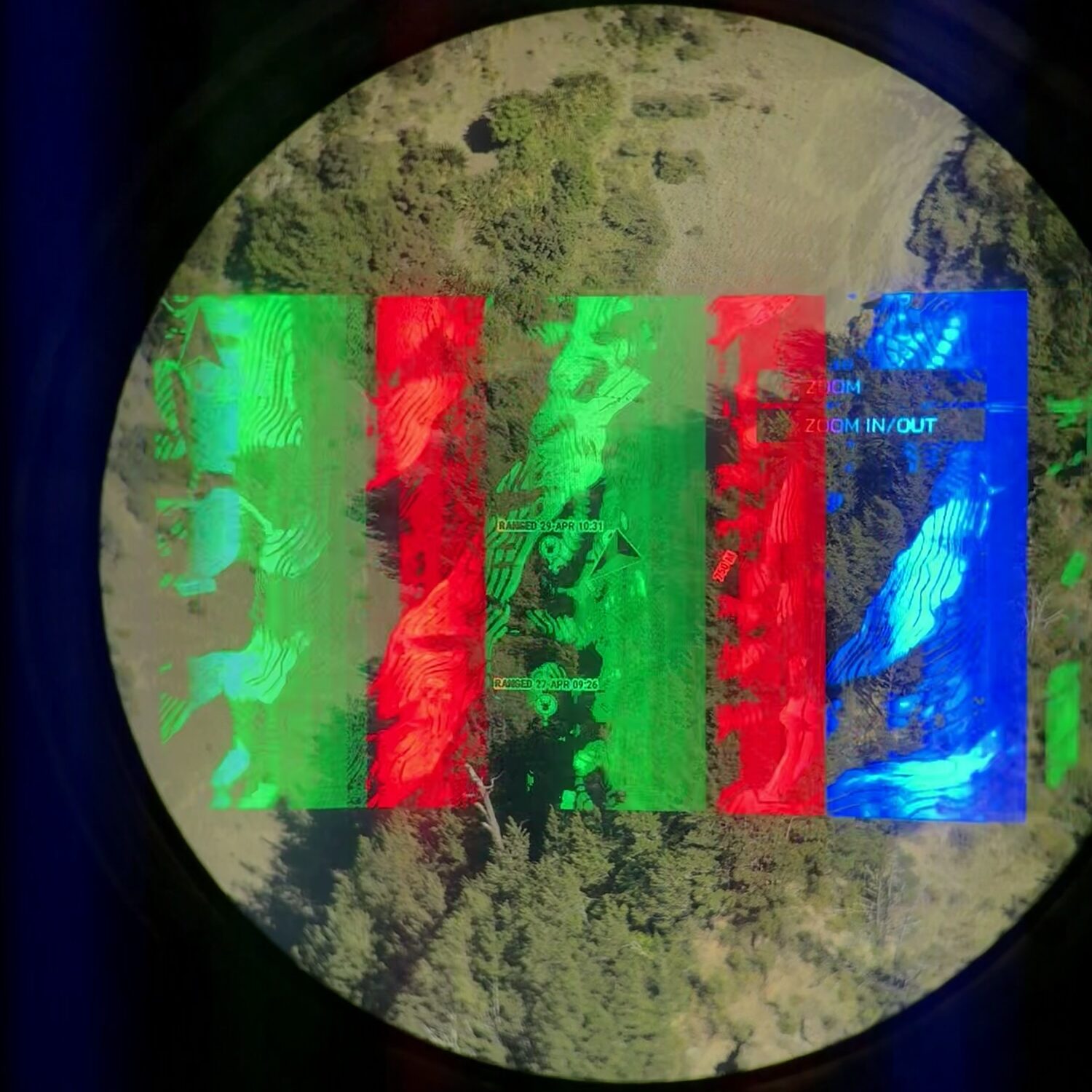
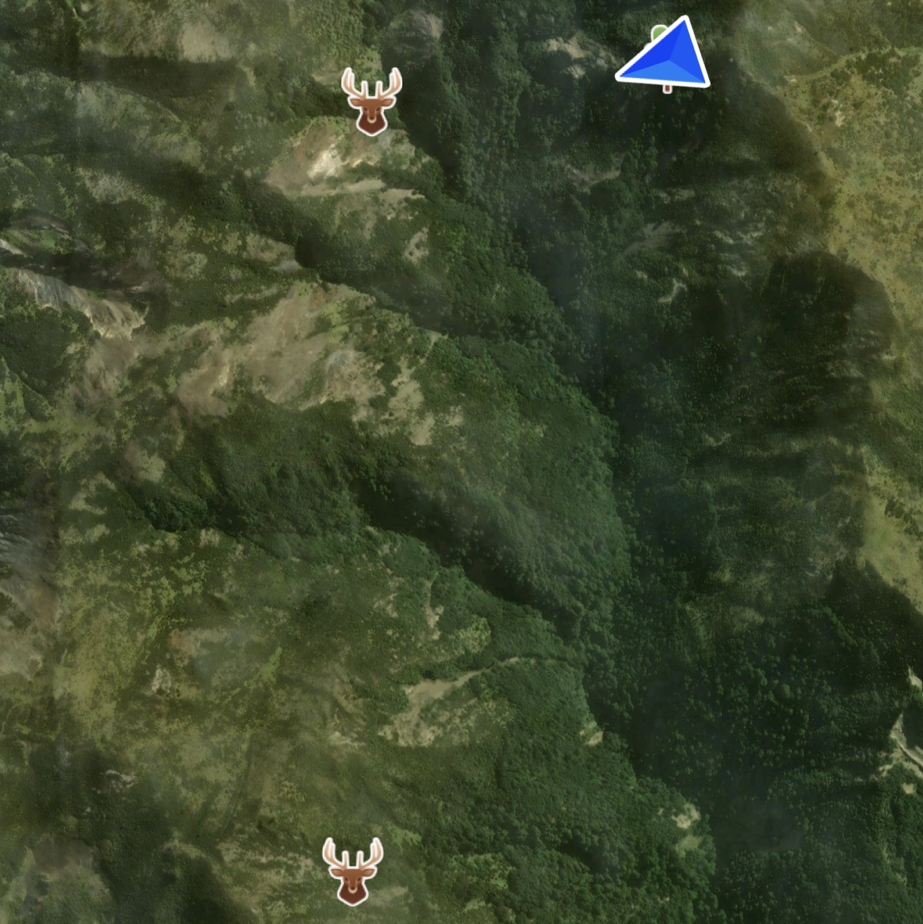
Left: HUD map in the device itself. Difficult to photograph due to reasons explained below.
Right: Corresponding map output on the Garmin explore app, once paired with the L60i.
Practical Application
Target handoff
Range an animal and pass the unit to someone else—they will be guided directly onto it.
Last-light relocation
Mark an animal in failing light, return in the morning, and navigate precisely to its last known position.
Terrain referencing
Mark key terrain features and move with intent.
This is the first system I’ve used that meaningfully closes the gap between seeing something and relocating it later.
Limitations and Documentation Challenges
All observations were made in favourable atmospheric conditions. I was unable to test the unit in:
- Rain
- Fog
- Snow
These are typically the conditions where rangefinders begin to degrade, particularly due to beam scatter and inconsistent returns. The extent of that degradation in the L60i remains untested.
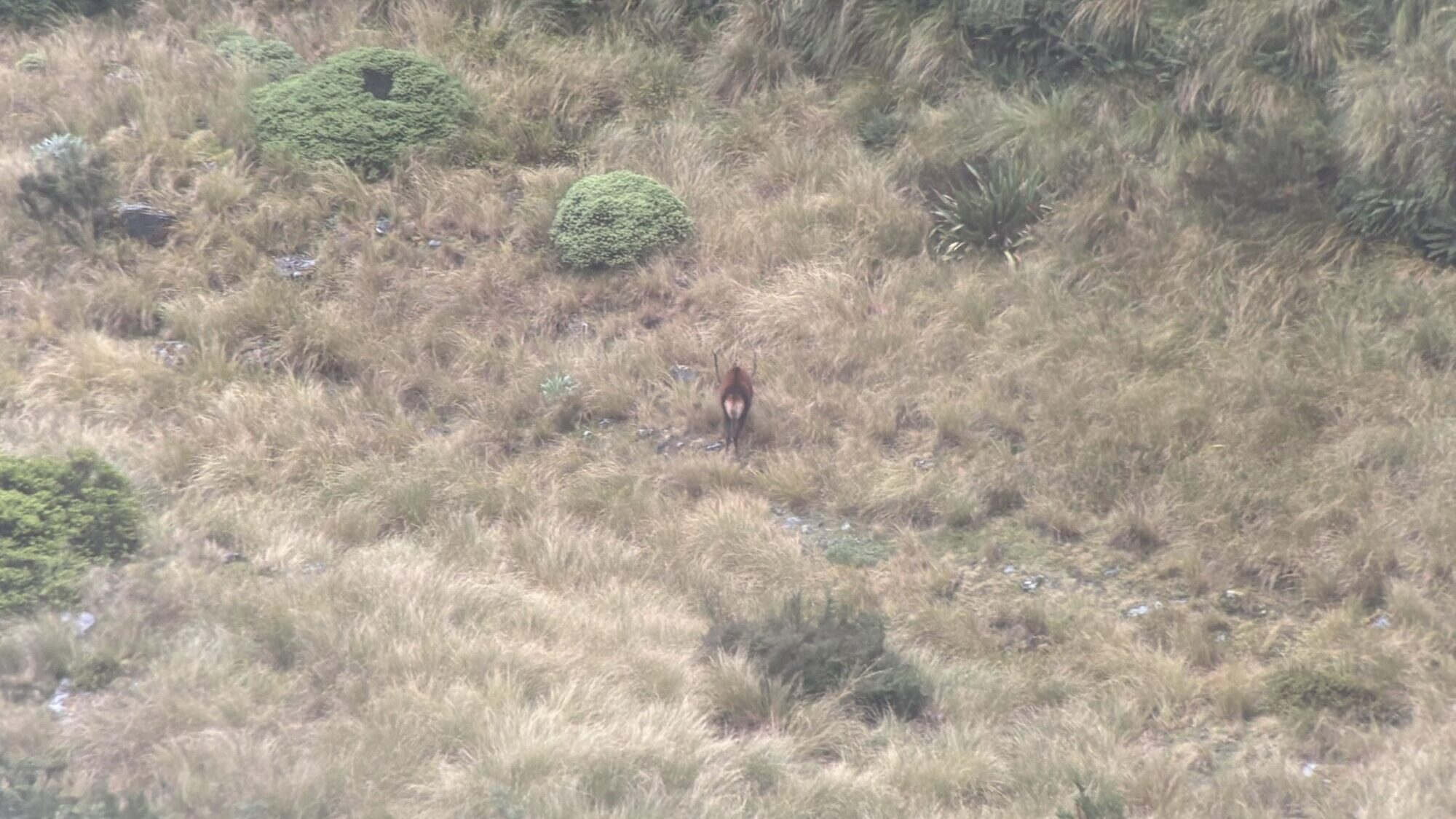
A deer as observed through the Swarovski ATC spotting scope at some 800 metres, in foggy and sleeting conditions. Under these conditions, most lase range finders seem to struggle. Unfortunately we weren’t presented with this during testing the L60i.
I was also unable to capture usable images of the mapping and HUD features through the eyepiece.
Attempts to photograph the display with an iPhone resulted in:
- Flickering
- Partial image capture
- Washed or segmented overlays
This is likely due to a mismatch between:
- The refresh rate of the L60i’s internal display (HUD)
- The rolling shutter and frame rate of the phone camera
In simple terms, the display is updating faster (or in a different cycle) than the camera sensor can capture, which results in banding or incomplete images. This is a known issue when trying to photograph digital optics or projected displays, and not a fault of the unit itself—but it does make documenting the interface difficult.
Final Thoughts
The Garmin Xero LRF L60i isn’t trying to replace binoculars or spotting scopes. It sits alongside them.
What it does do is:
- Deliver realistic, high-end ranging performance
- Provide accurate ballistic solutions
- Integrate navigation in a way that has genuine field value
Most importantly, it reduces uncertainty:
- In distance
- In location
- In relocation
For New Zealand hunting, where terrain is complex and animals disappear quickly, that’s not a marginal gain. It’s a meaningful shift in capability.